
related blog

RelayCam News
6 Min Read
RelayCam integrates with JobNimbus
RelayCam integrates with JobNimbus. Jobs, photos and files sync both ways automatically, and setup is just copying and pasting two things.
If you run your roofing or restoration business in JobNimbus, you already know where the job lives: the contact, the scope, the estimate, the paperwork. What usually doesn't live there is the photos. They sit on crew phones, in text threads, or in a separate photo app, and someone in the office ends up downloading and re-uploading them so the job record is complete.
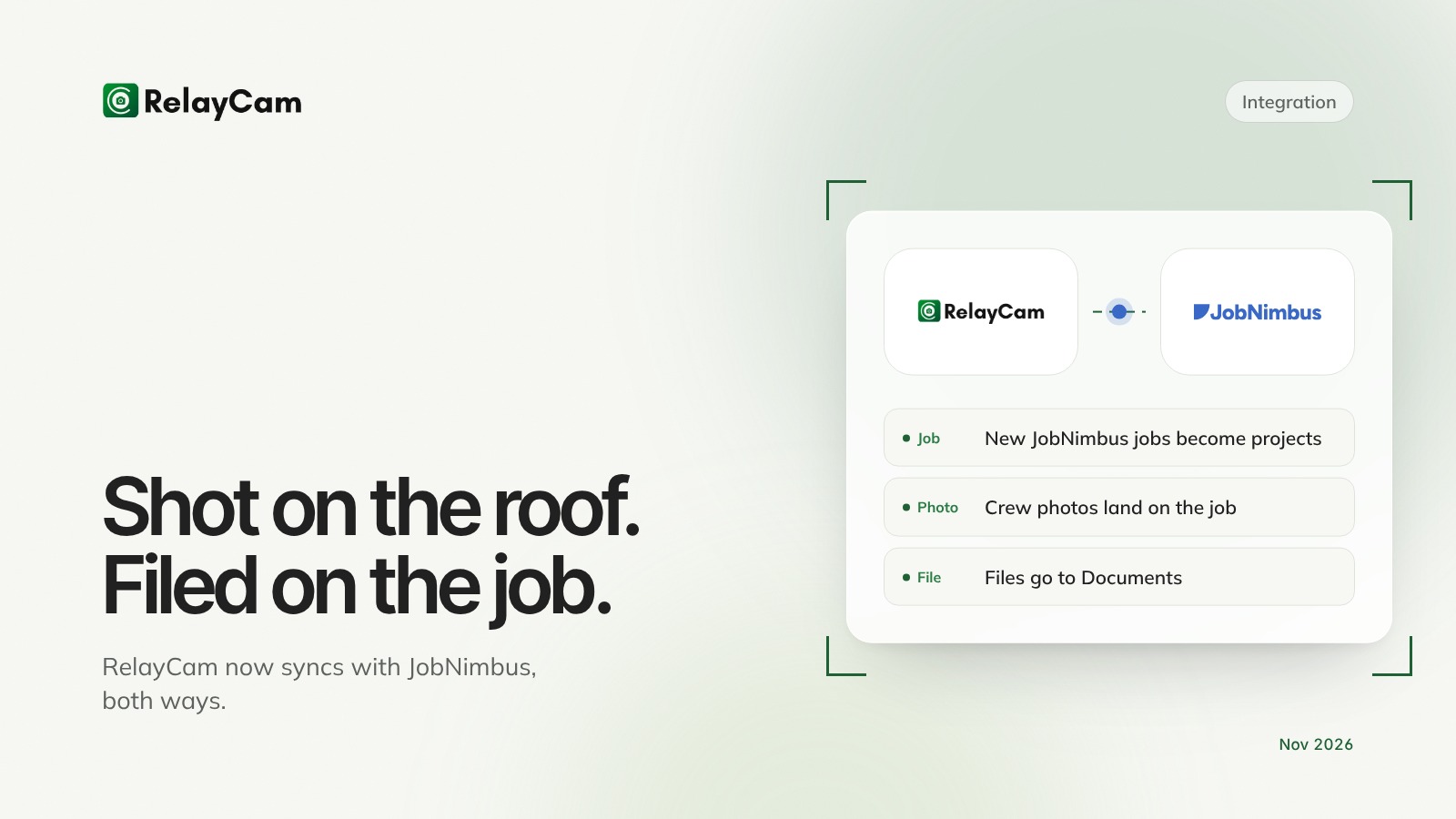
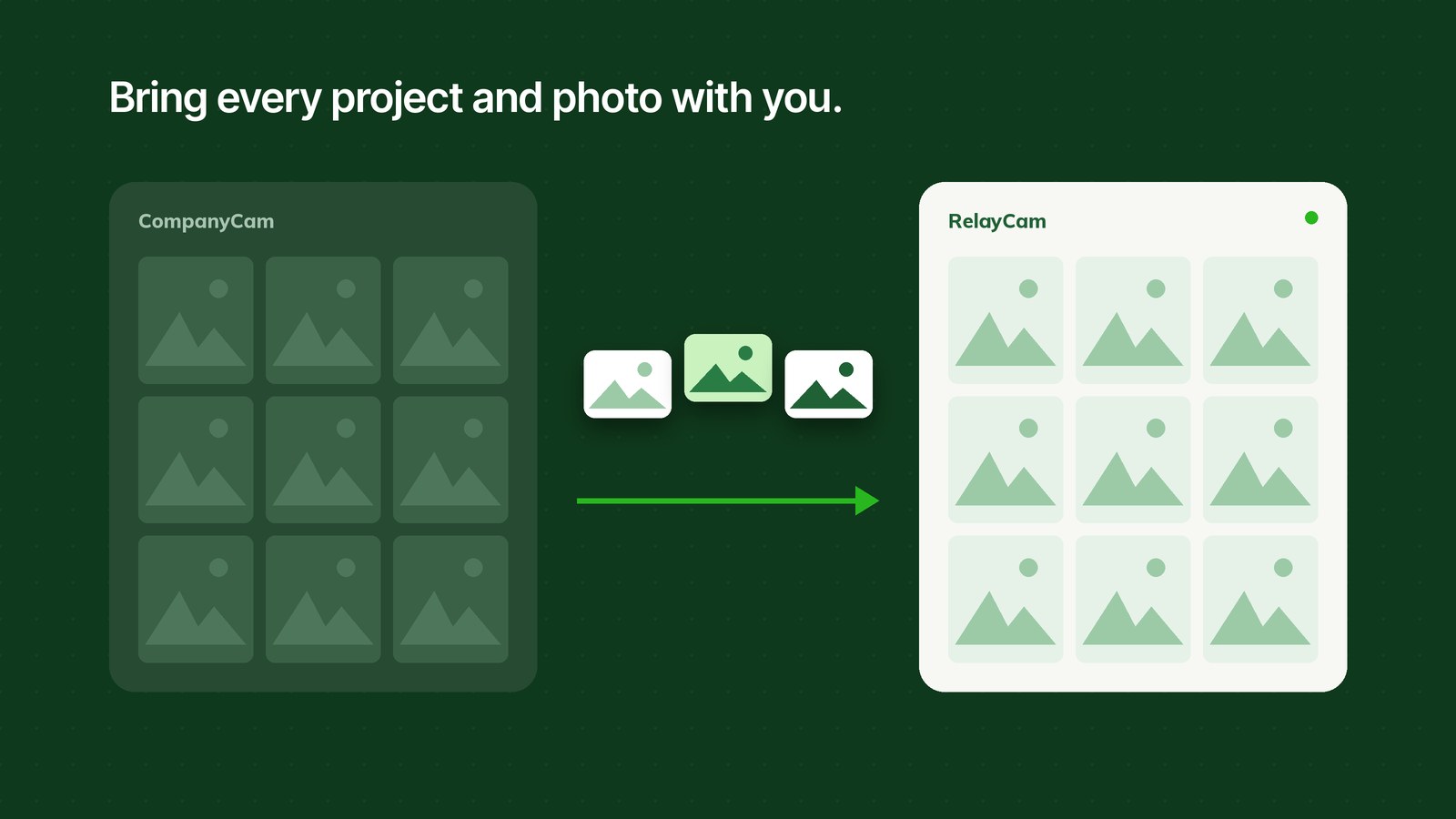
RelayCam now integrates with JobNimbus, and the sync runs both ways. Jobs you create in JobNimbus show up in RelayCam as projects, ready for the crew. The photos and files your crew adds in RelayCam sync to the matching job in JobNimbus on their own. The field and the office finally work from the same record.
The short version:
- New or updated Jobs in JobNimbus become projects in RelayCam, so the crew never has to create them.
- Photos from RelayCam sync to the job's Photos section in JobNimbus, and files sync to Documents.
- Setting it up is copy and paste. It takes a few minutes, once, and we'll do it with you on a call if you'd like.
Built because roofers asked for it
Roofing and restoration teams on RelayCam asked for this one directly. Their crews liked shooting in RelayCam, but the office runs on JobNimbus, and moving photos between the two was costing them time every day. So we built the connection, and shaped it around how those teams actually work, like syncing a job only once the contract is signed.
That's how we decide what gets built. If something in your day still means copying the same information from one place to another, tell us. It's probably on someone else's list too.
Why your photos belong on the JobNimbus job
A job record without photos is half a record. The estimator wants to see the damage before writing the scope. The office wants proof of the work before sending the invoice. The adjuster wants pictures before approving a supplement. When the photos live somewhere else, every one of those moments starts with a text to the crew asking for pictures.
When photos sync to the job automatically, those requests stop. Everyone opens the job in JobNimbus and the pictures are already there, next to everything else.
"Integration" sounds technical. It isn't.
If words like integrate, sync, API and webhook make you want to close this page, stay with us. You don't need an IT person, and you don't write any code. Connecting RelayCam to JobNimbus comes down to copying and pasting two things:
- A key from JobNimbus, pasted into RelayCam.
- A link from RelayCam, pasted into JobNimbus.
That's it. Each one is a click to copy and a click to paste, and the guide shows exactly where to click with a screenshot for every step. Most people are done in a few minutes, and you only do it once. After that it runs on its own.
Still rather not? Message us and we'll do it with you on a quick call, start to finish.
How the RelayCam JobNimbus integration works
From JobNimbus to RelayCam
When a Job is created or changed in JobNimbus, RelayCam creates or updates the matching project. Your crew opens the app and the job is waiting, with the right name and address.
You choose what counts. Most teams sync Jobs, but you can sync Contacts instead if that's how you work. You can also add a condition, like only syncing a job once its status is Signed Contract, so leads don't clutter the crew's project list.
From RelayCam to JobNimbus
New projects, posts and files in RelayCam sync to JobNimbus. Photos land in the job's Photos section and files land in Documents, on the job that matches the project.
Who it's for
- Roofing, restoration and exterior contractors who run their business in JobNimbus.
- Offices that are tired of asking crews for photos before they can bill, supplement or close out a job.
- Teams that want crews in a simple camera app while the office stays in JobNimbus.
How to connect RelayCam and JobNimbus
You'll need a computer and admin logins for RelayCam and JobNimbus. Three parts, each mostly copy and paste:
- Copy a key from JobNimbus. In JobNimbus, go to Settings, then API, and create a key with the Admin access profile. Click Copy.
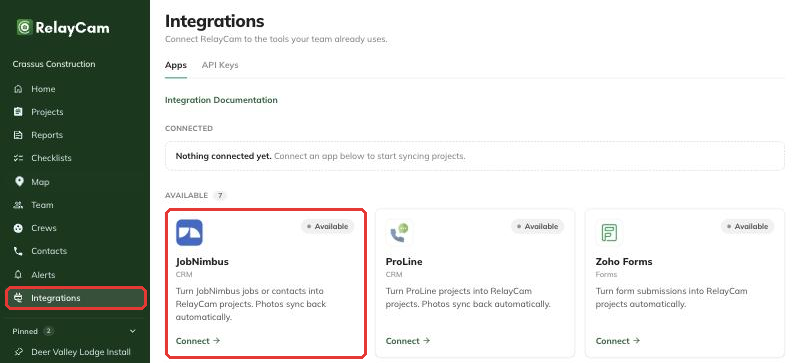
- Paste it into RelayCam. In the RelayCam web app, open Integrations, click Connect on the JobNimbus card, paste the key and click Connect.
- Copy a link from RelayCam into JobNimbus. Copy the Webhook URL that RelayCam shows you, then paste it into a JobNimbus automation that runs when a Job is created or modified.

Every click is in the step-by-step guide: How to connect JobNimbus to RelayCam. Prefer help? Message us and we'll set it up with you on a quick call.
The bigger picture
Every job throws off information. Photos. Notes. Measurements. Checklists. A walkthrough narrated from the roof. Most software makes your team work to keep up with all of it. We think it should be the other way around.
RelayCam is the intelligence layer for the job site: the simplest way to capture what happens in the field, and the smartest way to put it to work. Your crew shoots and talks. RelayCam organizes it, makes sense of it, and sends it where it needs to go, whether that's the job in JobNimbus, a finished report for the homeowner or a clean photo set for the adjuster.
No new system to learn. No extra steps for the crew. The work gets captured once, and it shows up everywhere it matters.
JobNimbus is one connection. Zapier is another. Every one we add is chosen the way this one was: because customers asked for it, and because it makes the job simpler.
Using another CRM?
RelayCam also works with Zapier, which connects it to thousands of other apps. See all of RelayCam's integrations, or book a demo and we'll walk you through the fit for your setup.

See RelayCam in action
Start your free trial now by clicking the button below


Wanna chat or demo?
Questions? Concerns? Requests? Talk to a real human

Watch a RelayCam demo now
Short on time, busy, got jobs to do? See how RelayCam works now!